
Build a fabric catalog
Turn swatches into a store fabric library and attach choices to products.
Requires the Fabric Catalog add-on. AI digitization and publishing are separate steps.
Before you start
Activate the Fabric Catalog add-on and prepare clear swatch photos.
Open the relevant dashboard screen ↗Steps
Open Fabrics and upload a swatch-book photo for digitization, or manage the fabric entries offered by the screen.
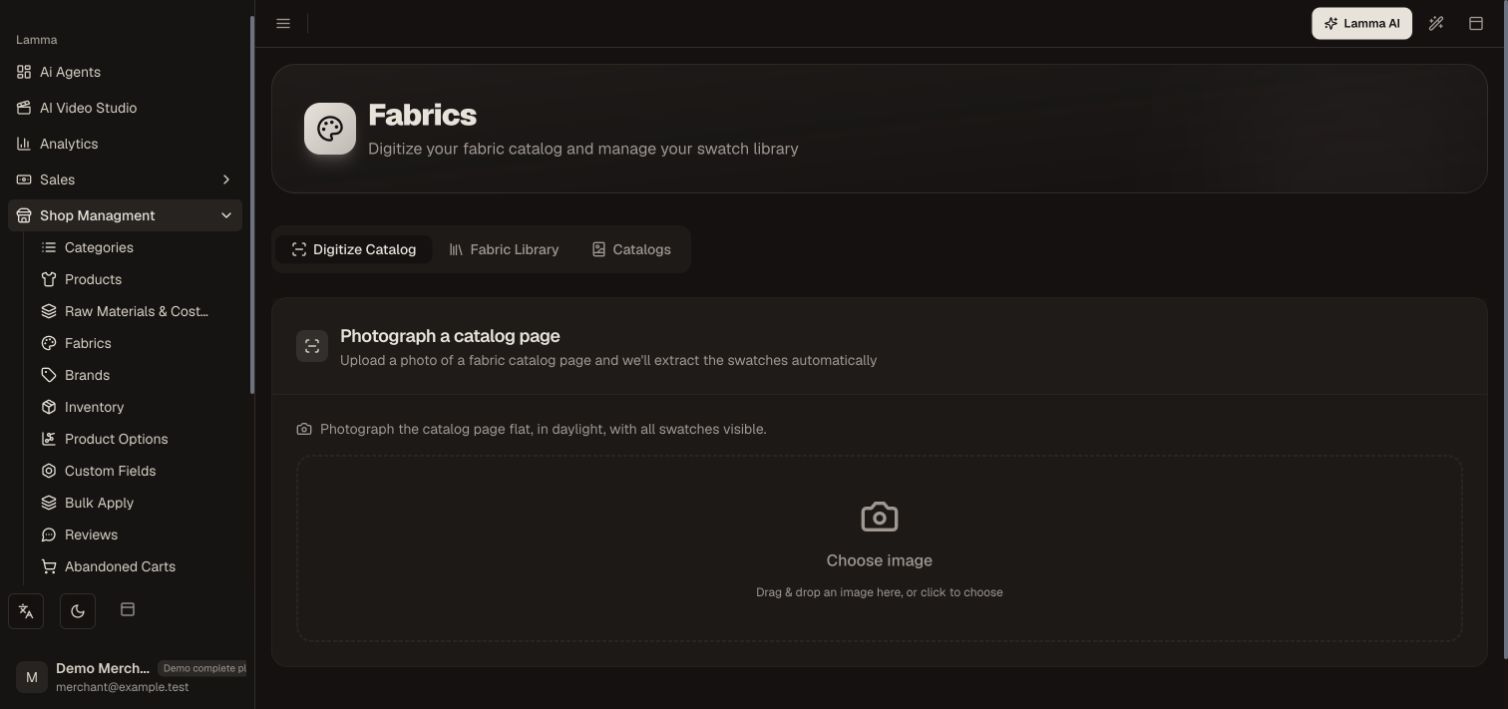
Step 1 — Open Digitize Catalog and choose a clear photo of the fabric swatch-book page to begin.Demonstration store · sample data. Available features may differ by plan or rollout.View full-size screenshot ↗ Review the detected swatches; correct their names and images before confirming them.
Organize the saved fabric library or catalogs.
Attach the fabrics to selected products and set supported per-product price overrides.
Open the storefront product, select each fabric and verify the selected fabric and price in the cart.
What to check afterward
The store has reviewed fabric choices that customers can select on eligible products.
If something does not work
AI detection needs review. If the picker is absent, check add-on access, the product assignment and saved fabric status. Avoid treating a fabric choice as a separate stock variant unless configured that way.
Still need help? Contact Lamma support with your store, the affected record and the exact error. Keep passwords and API keys private.