
Check your store before launch
Walk through the complete customer journey before sharing your store link.
Access depends on your current plan, permissions and store configuration.
Before you start
Have at least one product that you intend to sell and access to the store settings.
Open the relevant dashboard screen ↗Steps
Confirm your shop name, contact details, logo, language and currency.
Open each featured product: check price, stock, variants, required inputs, images and descriptions.
Check navigation, banners, policies and mobile layout on the actual storefront.
Enter an eligible delivery address and verify the offered shipping, pickup or appointment method and its charge.
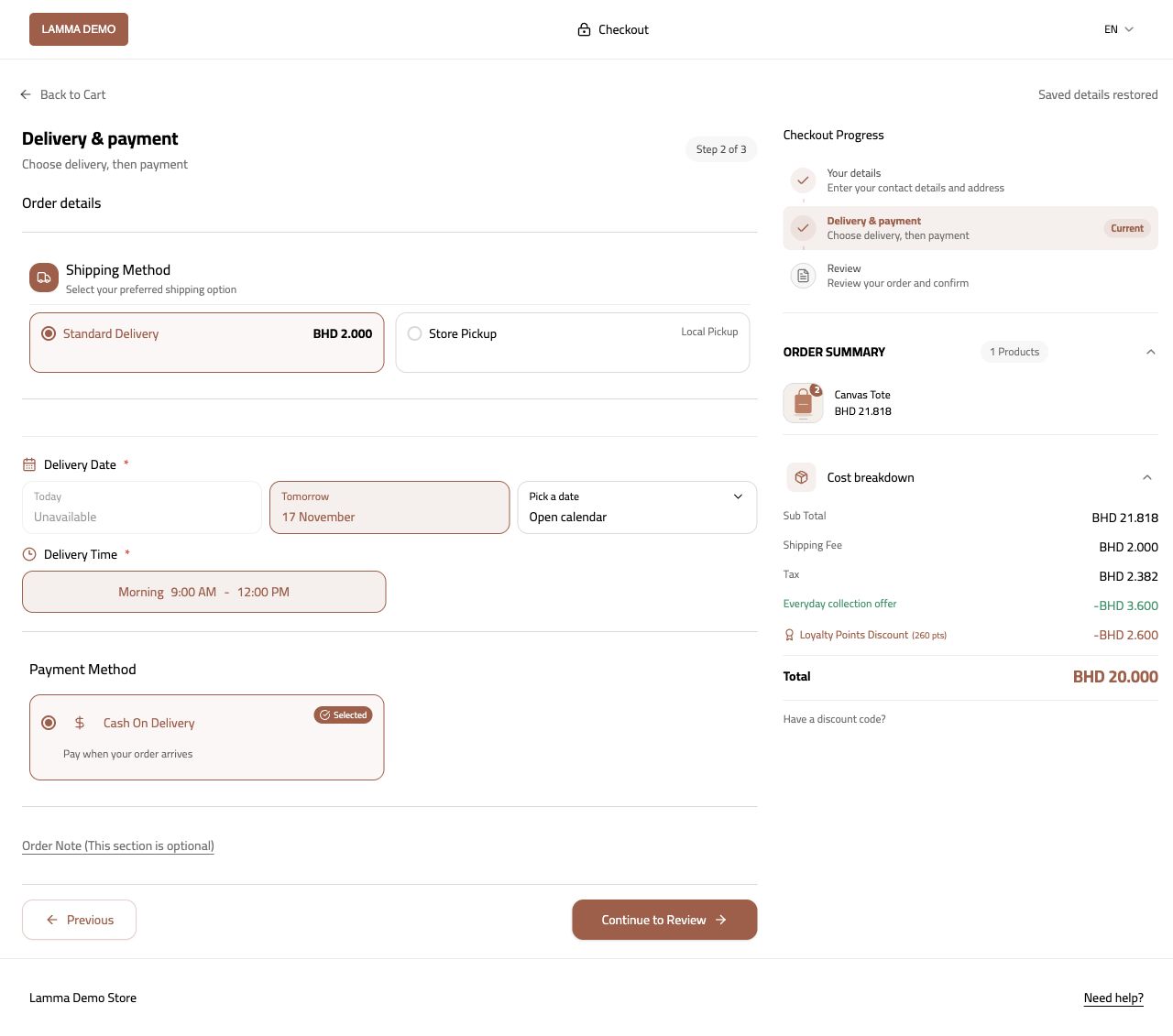
Step 4 — Enter a covered destination and check the delivery method, charge and final total.Demonstration store · sample data. Available features may differ by plan or rollout.View full-size screenshot ↗ Complete an authorized test order using an available payment method; check the order, payment result, invoice and delivery details in the dashboard.
Check your custom domain and take the store out of maintenance mode when ready.
What to check afterward
You have checked an order from product selection through the merchant order screen.
If something does not work
A successful homepage preview is not a checkout test. If checkout fails, note the product, selected options, destination, method and exact error.
Still need help? Contact Lamma support with your store, the affected record and the exact error. Keep passwords and API keys private.