
Read product updates in the dashboard
Review the update notices available to your merchant account.
Access depends on your current plan, permissions and store configuration.
Before you start
Use the current dashboard rather than an older screenshot of a feature.
Open the relevant dashboard screen ↗Steps
Open the updates or changelog control when offered in the dashboard.
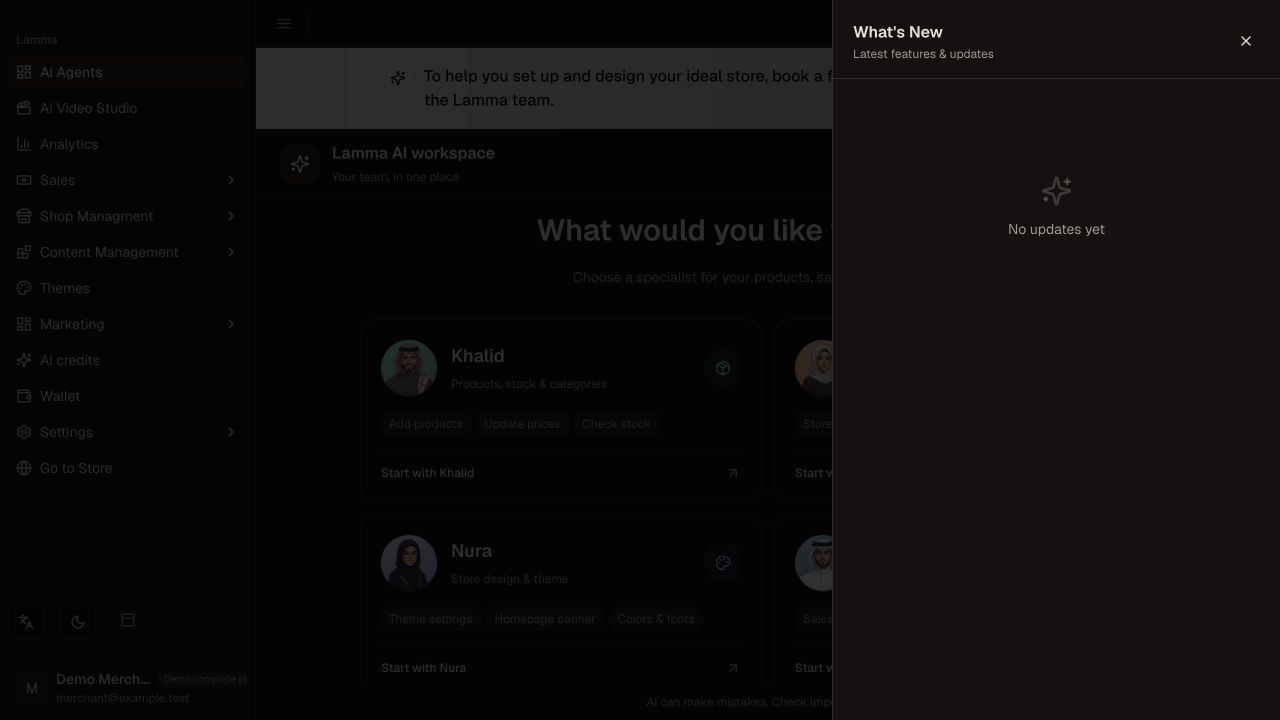
Step 1 — Open the updates drawer to check the available notices; this demo currently shows No updates.Demonstration store · sample data. Available features may differ by plan or rollout.View full-size screenshot ↗ Read the new or unread entries for changes that affect your workflow.
Check any rollout, plan or add-on requirement before looking for a new screen.
Mark entries read using the provided control when you have reviewed them.
Contact support if an announced feature is not available to your store.
What to check afterward
You know which announced changes are relevant and which still require access or rollout.
If something does not work
A changelog entry does not automatically grant access or configure an integration. Check the related guide and your current account entitlement.
Still need help? Contact Lamma support with your store, the affected record and the exact error. Keep passwords and API keys private.